
Bookings and floor management for independent restaurants
A full dining room, still under control.
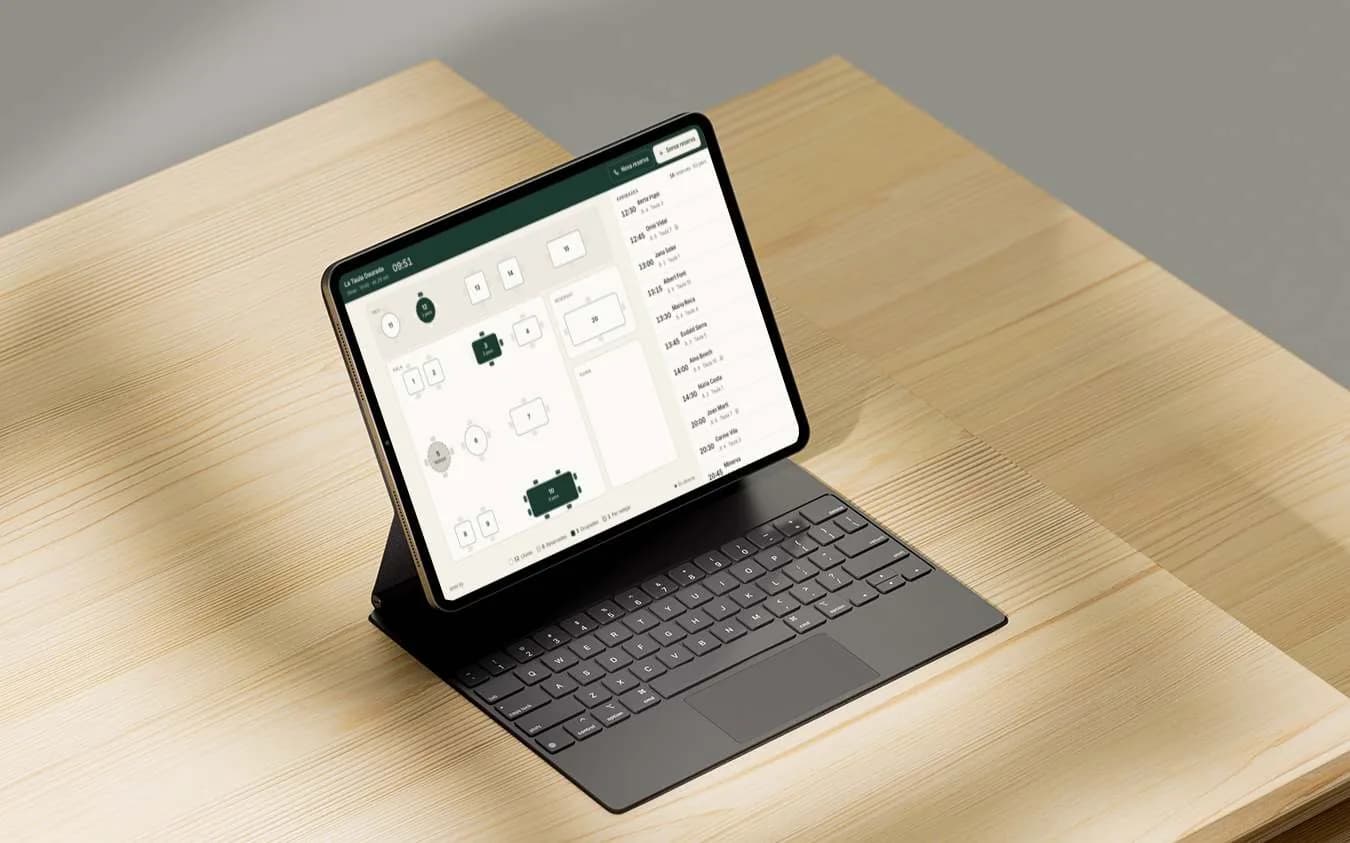
Bookings from your website, bookings taken over the phone and walk-ins, all on one tablet, on a map of your own tables. No table sold twice, and no commission per cover.
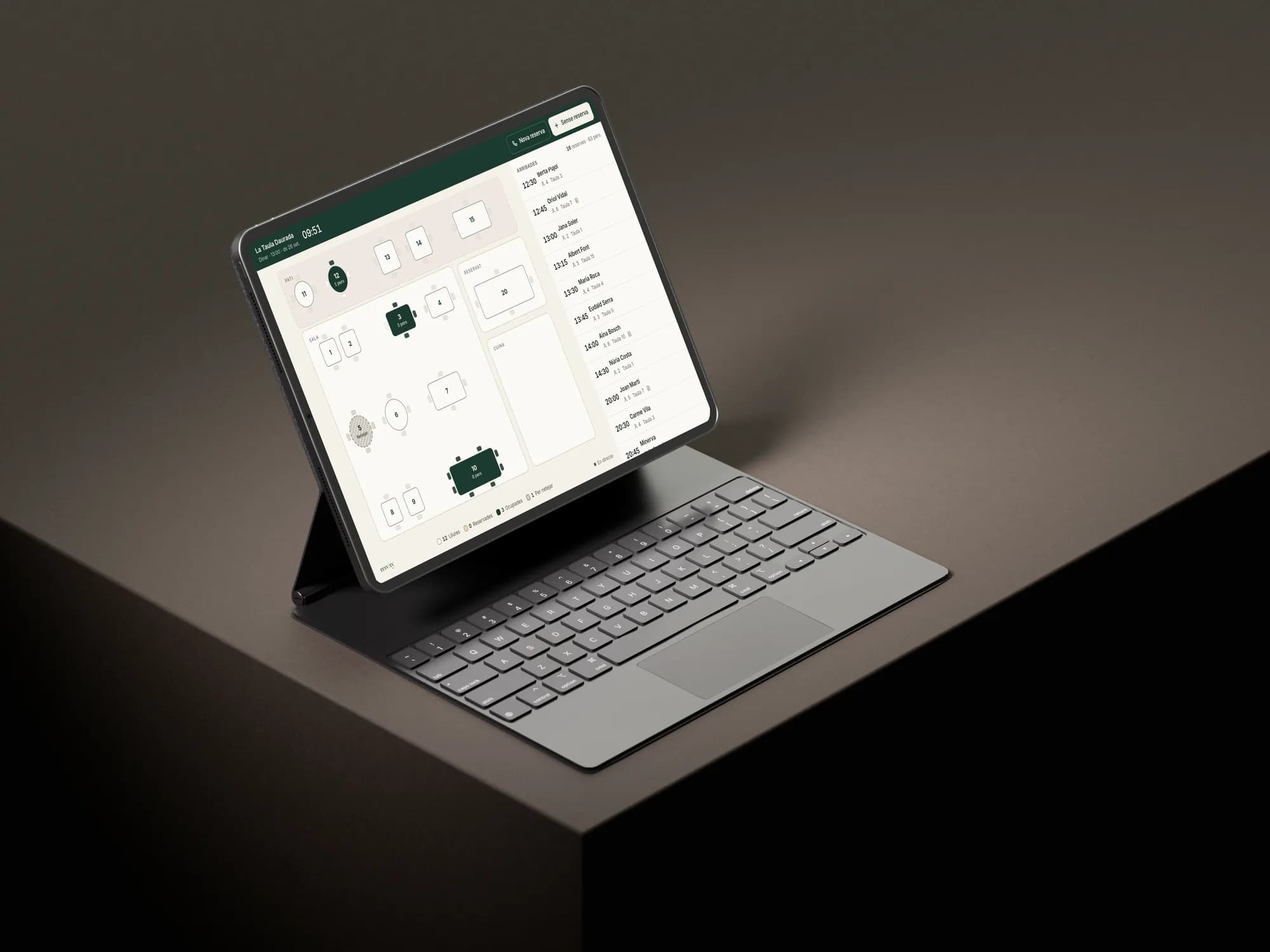
- 3 taps
- to seat a booking, move it to another table or seat a walk-in.
- 5 minutes
- to undo anything on the tablet. That’s why nothing asks you to confirm in the middle of service.
- 2.5 seconds
- how often the floor tablet updates: a booking made from someone’s sofa shows up within seconds.
- €0
- commission per booking or per cover, however busy you get.

Your bookings come in three ways, and none of them knows about the other two.
The notebook by the bar, the phone of whoever picked up, and the memory of whoever was on shift. On a quiet night it works. On a Friday at nine, it doesn’t.
The table sold twice
You find out with guests at the door and one table for two parties.
Every booking, however it comes in, goes on the same list, and a table that’s already booked can’t be given away again.
The phone ringing mid-service
Whoever answers leaves the floor to check the book, and the tables wait.
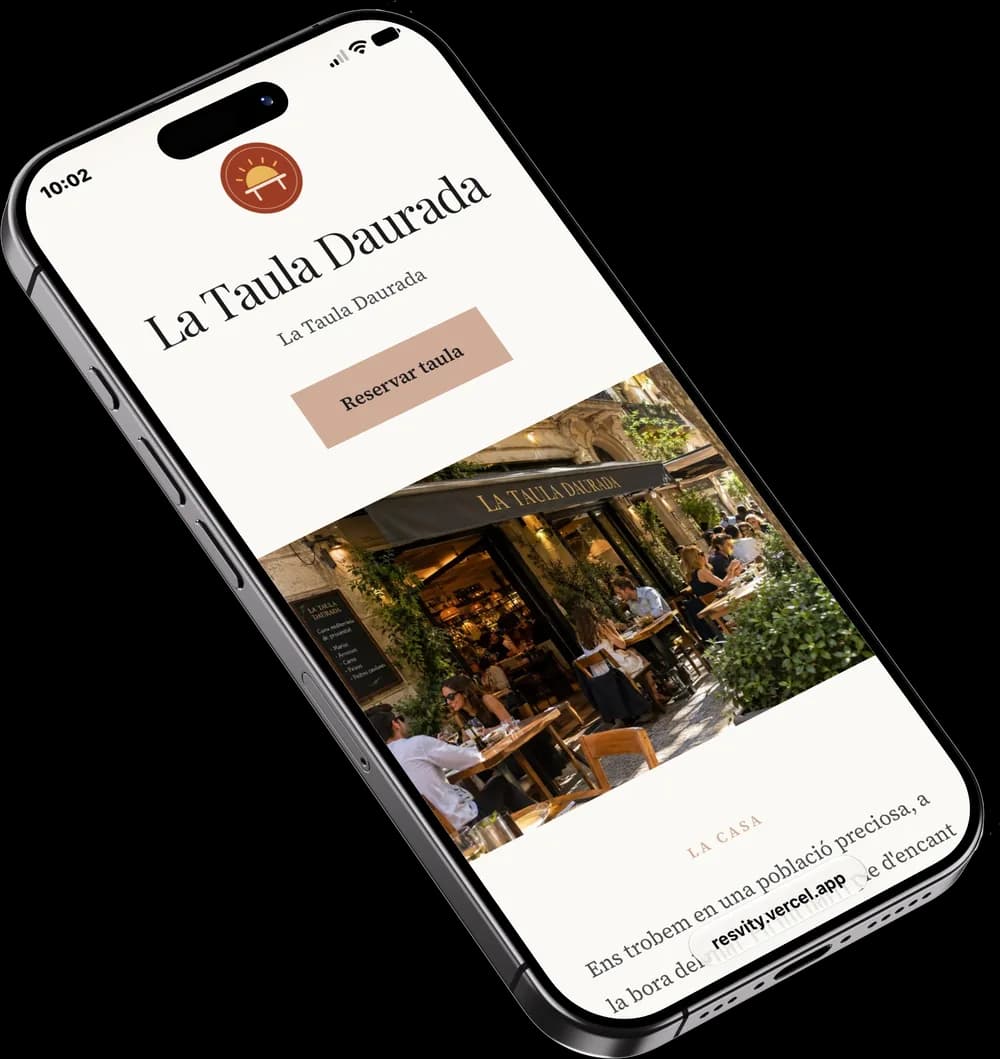
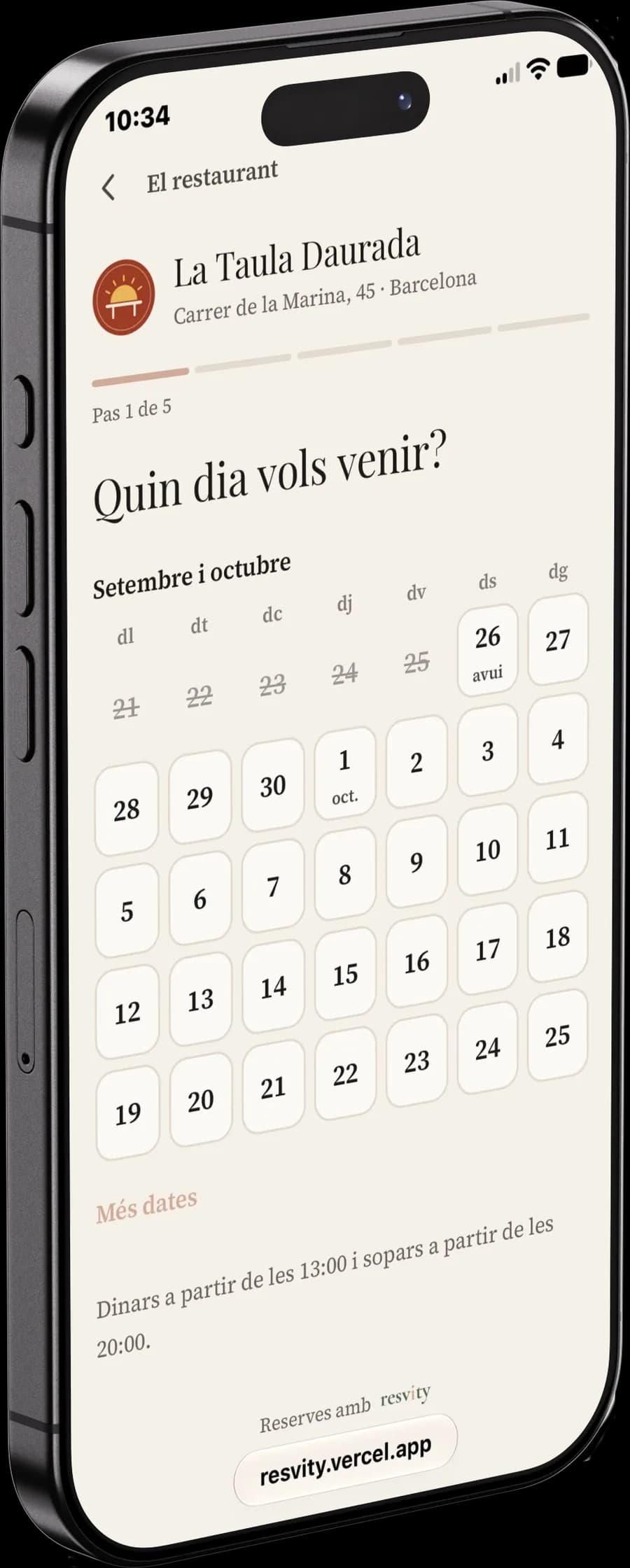
Guests book for themselves on your page, at any hour, within your opening times and your rules.
The table that sits empty
A party of four doesn’t show, and nobody remembers whether they’ve done it before.
Every phone number that books carries its history: how often they’ve come, and how often they didn’t show.
What Resvity does for you
Four jobs you do by hand today, and what you get back when Resvity does them.
- The whole floor at a glancePro and BasicEveryone on the tablet sees the same thing: who has arrived, which table is free and which one needs clearing. Nobody has to go and ask at the bar.
 See how
 - Bookings on your own page, no middlemanPro and BasicGuests book on a page with your logo, your colours and your menu, and can even pick their table. No booking platform in between charging you per cover.
 See how
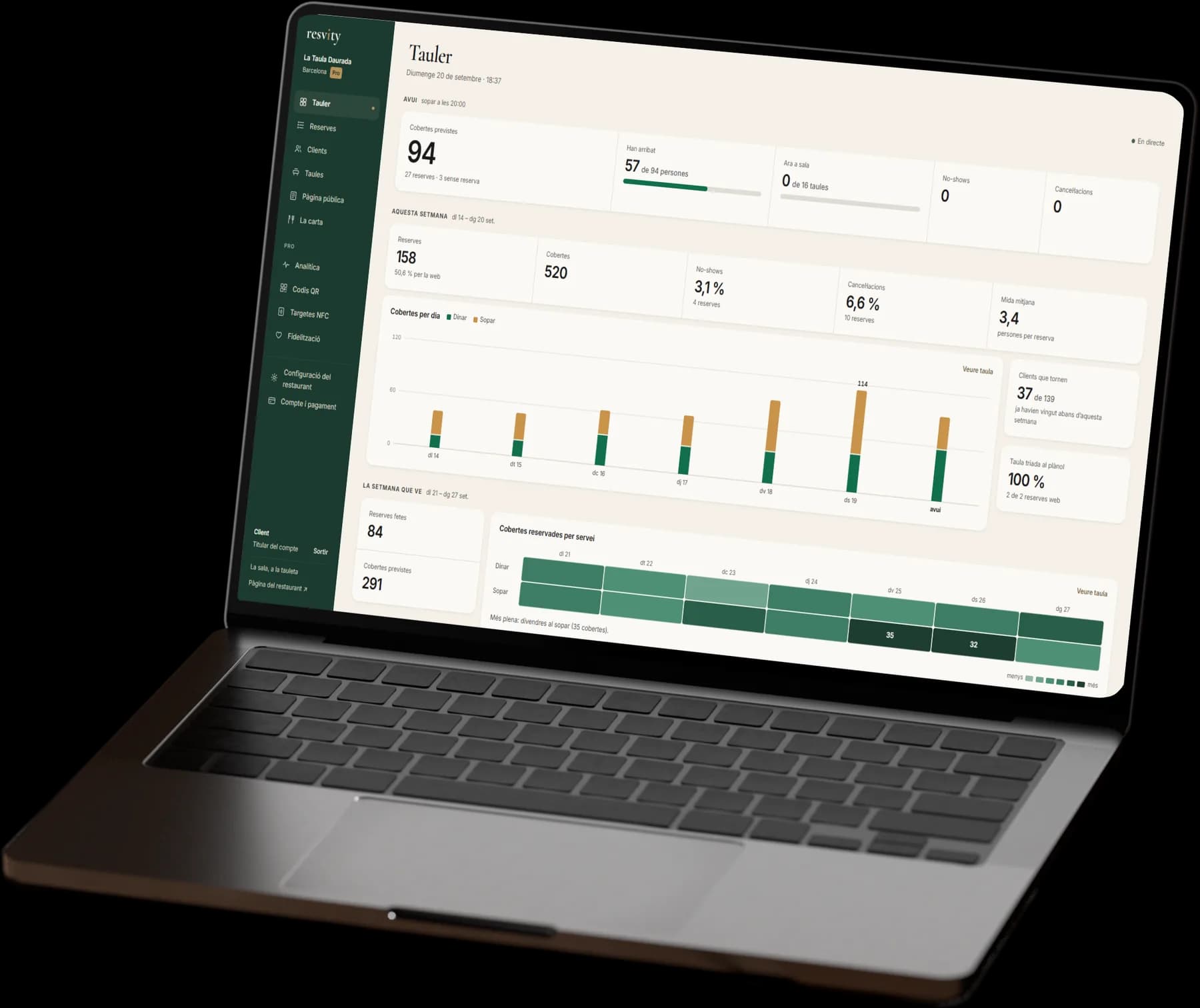
 - Know how the restaurant is doingPro and BasicHow many people are coming today and each day this week, and how many didn’t show or cancelled last month. With Pro, also which tables are losing covers and which guests come back.
 See how
 - More guests, coming backProA waiting list for fully booked nights, NFC cards to ask for Google reviews, and a loyalty programme that tells your team when someone who’s earned a reward walks in.
 See how
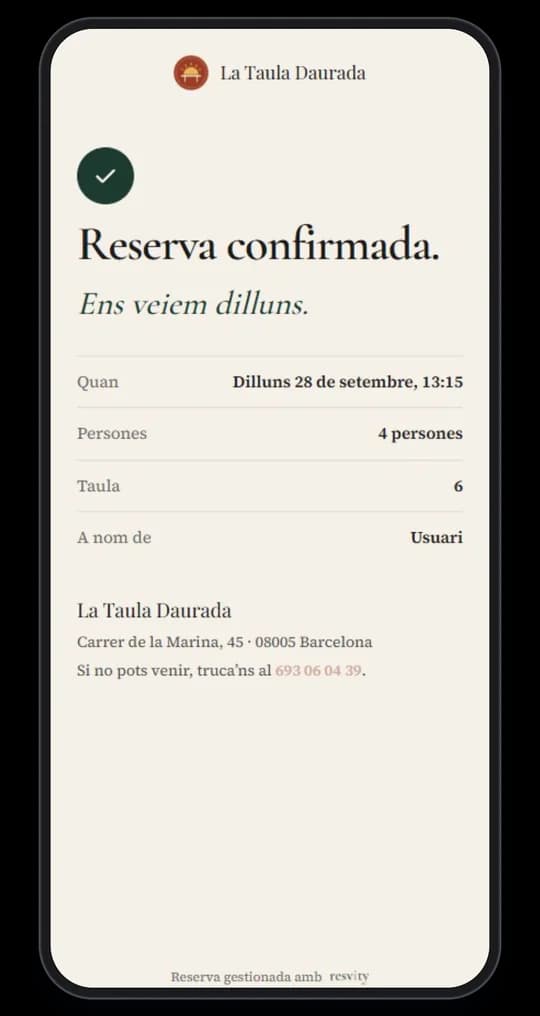
From the guest’s phone to the floor tablet, in seconds.
Nobody has to copy anything across by hand. The booking page, the floor tablet and your dashboard show the same booking at the same moment.
We set it all up for you.
Nothing to install and nothing to figure out on your own. It takes three steps.
- We talk
A call to see what your dining room is like and how you take bookings today. Nothing is signed.
- We build
We add your tables, your page with your photos and menu, and the bookings you already had written down.
- You open
We give you access, you connect the tablet once, and we run the first service with you.
One fixed monthly price. A busy month costs the same.
No commission per booking or per cover. We recommend Pro: on top of bookings, it helps you fill more tables and bring guests back. If bookings are all you need, Basic. VAT not included.
Launch offer: the first 5 restaurants to sign up for a monthly plan pay a reduced price for their first 4 months. 5 left.
See pricing- ProRecommendedLaunch price:€59Usual price:
€79a month for your first 4 monthsTo fill more tables, make better use of the ones you have and bring guests back.Or €790 a year, with 2 months free. - BasicLaunch price:€39Usual price:
€49a month for your first 4 monthsTo ditch the notebook and let guests book for themselves on your own page.Or €490 a year, with 2 months free.
What people ask before they say yes.
- Do we need to buy any hardware?
- No. Any tablet for the floor and a browser for the dashboard. Nothing to install.
- Is there a minimum term?
- Only on the yearly plan, and it’s one year. The monthly plan can be cancelled whenever you like, and runs to the end of the month you’ve paid for.
- Who owns the guests’ data?
- The restaurant. Resvity only uses it to run the service, never passes it on, and you can download all of it whenever you like.
- Pro or Basic?
- If you want to ditch the notebook and let guests book for themselves, Basic does that. If you also want to fill more tables and bring guests back, go for Pro, which is what we recommend. You can move from Basic to Pro whenever you like, from your dashboard.
We’ll show you Resvity with your own tables.
One call: you tell us how bookings reach you today, and we show you how your restaurant would look on Resvity, Pro or Basic. Nothing is signed on the call.